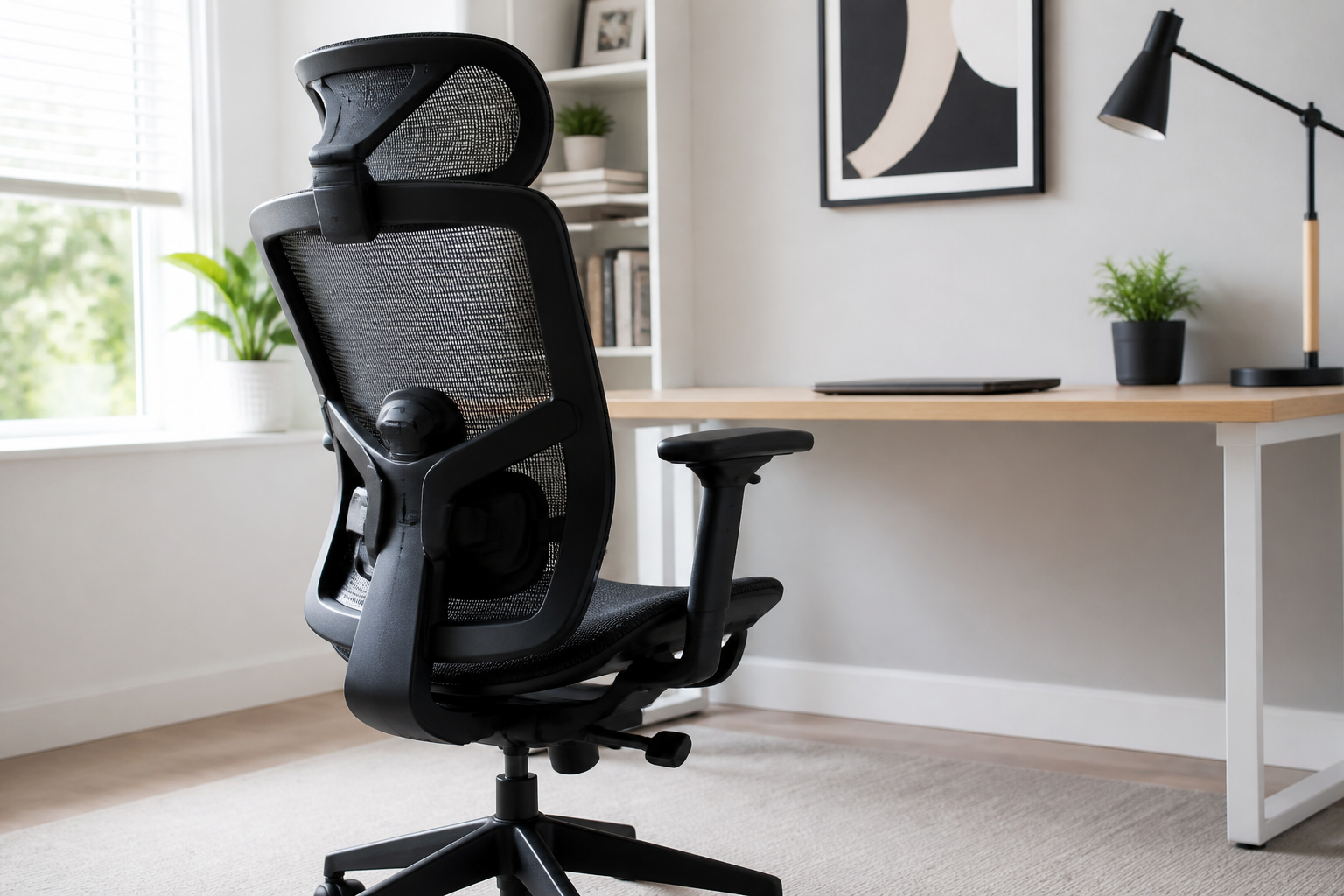
Disclosure: As an Amazon Associate, we may earn a commission from qualifying purchases made through links on this page. This never affects our recommendations.
Key Takeaways
- Prioritize adjustable lumbar support to maintain the natural curve of your spine during long sessions.
- Breathable mesh materials are superior for temperature regulation compared to low-end bonded leather.
- Look for ‘synchro-tilt’ mechanisms that allow the backrest and seat to move in a 2:1 ratio for better circulation.
- Seat depth and height adjustability are non-negotiable for users outside the average height range.
- A $300 budget is the ‘sweet spot’ where build quality transitions from disposable to durable.
- Proper setup and frequent movement are just as important as the chair itself for long-term health.
Understanding Ergonomics in the Budget Category
When we discuss ergonomics within a $300 limit, we are looking for the intersection of mechanical adjustability and material durability. Unlike entry-level ‘task chairs’ found at big-box retailers, a true ergonomic office chair is designed to adapt to the user rather than forcing the user to adapt to the furniture. The goal is to achieve a ‘neutral posture,’ where your joints are naturally aligned and stress on your muscles is minimized.
In this price bracket, you will primarily encounter two types of builds: full mesh and hybrid foam-mesh. Full mesh chairs offer the best ventilation, which is critical for those working in warmer climates or home offices without dedicated climate control. Hybrid models often feature a high-density foam seat cushion with a mesh back, providing a softer feel that some users prefer for 8+ hour shifts. Understanding your personal preference for ‘firmness’ versus ‘cushioning’ is the first step in narrowing down your choices.
The Critical Role of Lumbar Support
The most important feature of any office chair for long hours is how it handles the lower back. The lumbar spine has a natural inward curve; without support, the muscles in the lower back work overtime to maintain that curve, leading to slouching and eventual pain. Within the $300 range, you should look for chairs that offer either height-adjustable lumbar pads or tension-adjustable lumbar zones.
Static lumbar support—where the curve is built into the frame and cannot be moved—is a gamble. Unless your height perfectly matches the manufacturer’s ‘average user’ profile, the support may hit you in the mid-back or sacrum rather than the lumbar region. Advanced budget models now feature ‘dynamic’ lumbar support that pivots with your movement, ensuring that even when you lean forward to type or back to take a call, your spine remains protected.
Adjustability: Beyond Simple Height Changes
To be considered truly ergonomic, a chair must offer multiple points of adjustment. While every chair has a gas lift for height, the best ergonomic office chairs under 300 differentiate themselves through armrest and tilt functionality. Armrests should ideally be ‘3D’ or ‘4D,’ meaning they adjust for height, depth, and angle. This allows you to support your forearms while keeping your shoulders relaxed, preventing the ‘hunch’ that leads to tension headaches.
Tilt tension and tilt lock are equally vital. A chair that is too stiff will discourage movement, while one that is too loose will feel unstable. The ideal setup allows for a slight recline with resistance, encouraging ‘active sitting.’ Look for a synchro-tilt mechanism, which elevates the seat slightly as you recline, keeping your feet flat on the floor and maintaining optimal blood circulation in your legs.
Material Quality and Breathability
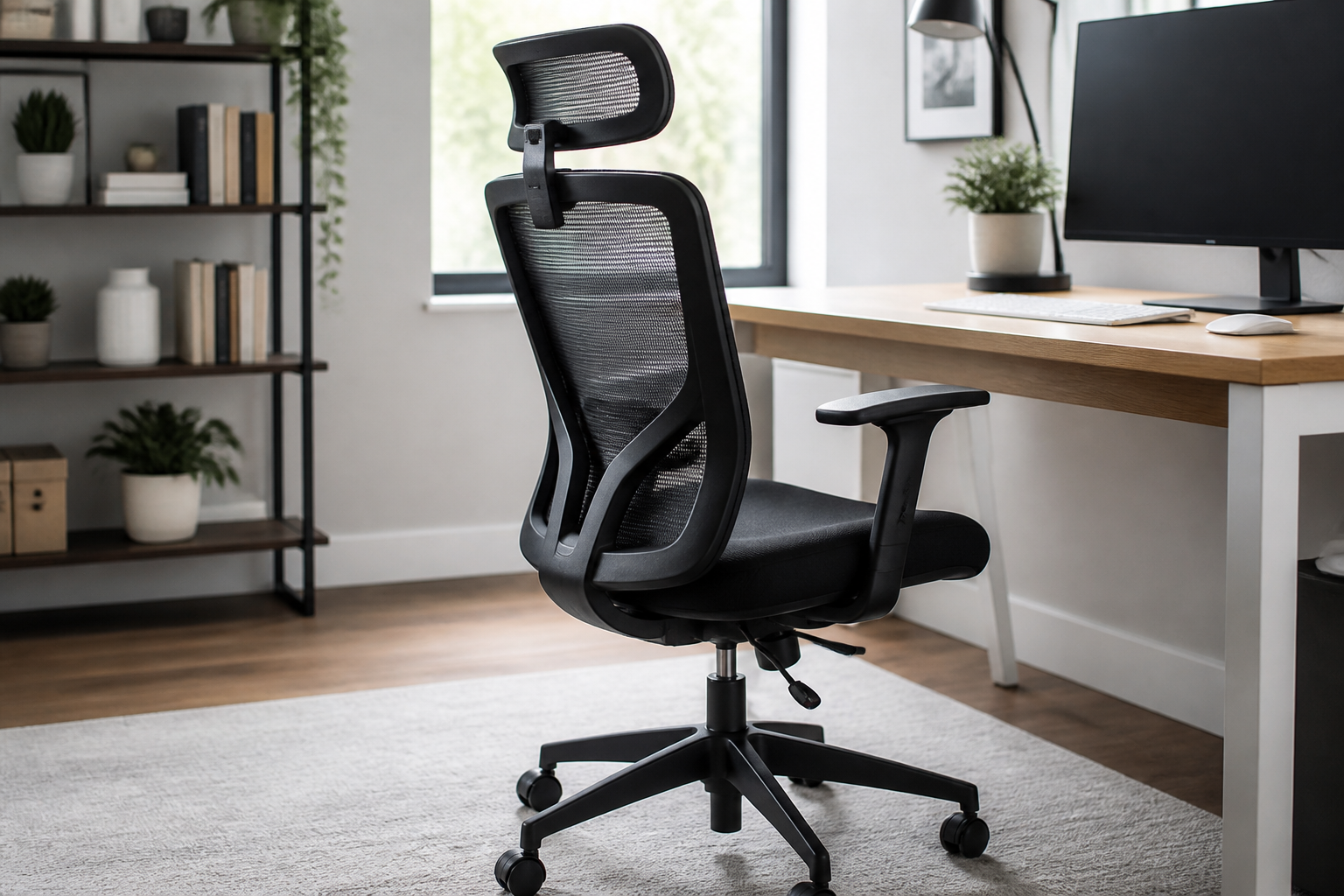
Material choice impacts both comfort and longevity. In the sub-$300 market, you should generally avoid ‘bonded leather’ or ‘PU leather.’ While they look professional initially, these materials lack breathability and are prone to peeling within 12 to 24 months of heavy use. Instead, prioritize high-quality polyester mesh or knit fabrics.
Mesh provides a suspension-like feel that distributes weight evenly, reducing pressure points on the sit-bones. Furthermore, the airflow provided by mesh backrests helps regulate body temperature, preventing the discomfort of heat buildup during intense work sessions. If you prefer a foam seat, ensure it is ‘high-density molded foam’ rather than ‘cut foam.’ Molded foam retains its shape for years, whereas cheaper cut foam will flatten out, leaving you sitting on the hard plastic base plate within months.
Seat Depth and Waterfall Edges
A frequently overlooked aspect of ergonomic seating is seat depth. If a seat is too deep, it will press against the back of your knees, restricting circulation. If it is too shallow, your thighs won’t be properly supported, leading to increased pressure on your hips. While adjustable seat depth is rare under $300, it does exist in top-tier budget models.
If you cannot find a chair with an adjustable seat slider, look for a ‘waterfall’ seat edge. This is a downward curve at the front of the seat cushion designed to reduce pressure on the underside of the thighs. This feature is essential for anyone spending more than four hours a day at a desk, as it helps prevent the ‘pins and needles’ sensation and long-term vascular issues associated with sedentary work.
Build Quality and Weight Capacity
Weight capacity is a strong indicator of a chair’s overall build quality. A chair rated for 300 lbs or more typically uses a reinforced nylon or aluminum base and a higher-grade Class 4 gas cylinder. Even if you weigh significantly less, choosing a chair with a higher rated capacity ensures the mechanical components are built to withstand the rigors of daily use without squeaking or wobbling.
Casters also play a role in the user experience. Most budget chairs come with standard hard plastic wheels designed for carpet. If you are working on hardwood or laminate, consider budgeting an extra $20 for ‘rollerblade-style’ rubber casters. These provide a smoother, silent glide and protect your flooring from scratches, significantly elevating the feel of a sub-$300 chair to something that feels much more expensive.
Comparison of Key Features by Chair Type
| Feature | Full Mesh Chair | Hybrid (Mesh/Foam) | Traditional Fabric |
|---|---|---|---|
| Breathability | Excellent | Good | Moderate |
| Pressure Distribution | High (Suspension) | Very High (Cushion) | Moderate |
| Durability | High | High | Moderate |
| Maintenance | Easy to Clean | Moderate | Difficult |
| Best For | Hot Climates | Maximum Cushioning | Brief Tasks |
Recommended Products

ergonomic mesh office chair adjustable lumbar under 300
Mesh chairs provide the best breathability for long work sessions.
Conclusion
Selecting the right office chair is one of the most impactful decisions you can make for your professional well-being. By focusing on adjustable lumbar support, breathable materials, and robust mechanical features, you can find the best ergonomic office chairs under 300 that rival the performance of premium brands. Remember that the best chair is the one that fits your specific body dimensions and encourages you to maintain a healthy posture throughout the day.
Before you finalize your home office upgrade, take the time to measure your desk height and consider your primary work tasks. Learn more, compare the best options, and check today’s price on Amazon before making your purchase decision to ensure you get the best value for your investment.
FAQ
Is a mesh or foam seat better for long hours?
Mesh seats offer superior airflow and even weight distribution, which prevents ‘hot spots’ and sweating during long sessions. However, some users find the firm suspension of mesh to be too stiff. Foam seats provide a more traditional ‘cushy’ feel but can trap heat. For 8+ hour days, a high-density molded foam seat with a mesh backrest is often considered the most versatile middle ground for comfort and temperature control.
How high should my ergonomic chair be set?
Your chair height should be adjusted so that your feet are flat on the floor and your knees are at a 90-degree angle, with your thighs parallel to the ground. If your desk is too high to allow this, you should use a footrest rather than raising the chair and leaving your feet dangling. Proper foot placement is essential for reducing strain on your lower back and maintaining healthy circulation in your lower extremities.
Do I really need 3D or 4D armrests?
While basic height-adjustable armrests are a start, 3D or 4D armrests allow you to bring the pads inward. This is crucial for typing, as it supports your elbows close to your body, preventing shoulder abduction. Without this inward adjustment, many users find their arms are too far apart, leading to significant tension in the trapezius muscles and neck. If you spend significant time coding or writing, these adjustments are highly recommended.
How long do budget ergonomic chairs usually last?
In the $200 to $300 price range, you can expect a well-made chair to last between 3 and 5 years of daily use. The primary failure points are usually the gas lift cylinder or the seat foam losing its resiliency. By choosing models with mesh backs and high-density foam, you avoid common issues like peeling faux leather. Regular maintenance, such as tightening bolts every six months, can further extend the lifespan.
Can a cheap chair cause back pain?
Yes, a chair that lacks proper lumbar support or forces you into a slouched position can lead to chronic musculoskeletal issues. However, ‘cheap’ is relative. A $250 chair with proper ergonomic adjustments is far better for your back than a $1,000 designer chair that prioritizes aesthetics over support. The key is to look for the functional features—lumbar support and adjustability—rather than the price tag alone.
What is a synchro-tilt mechanism and why does it matter?
A synchro-tilt mechanism allows the backrest to recline at a faster rate than the seat cushion (usually a 2:1 ratio). This is superior to basic tilt mechanisms because it keeps the seat relatively level, preventing your knees from rising too high and keeping your feet on the floor. This encourages frequent reclining and movement, which is vital for spinal decompression and maintaining blood flow during extended periods of sitting.